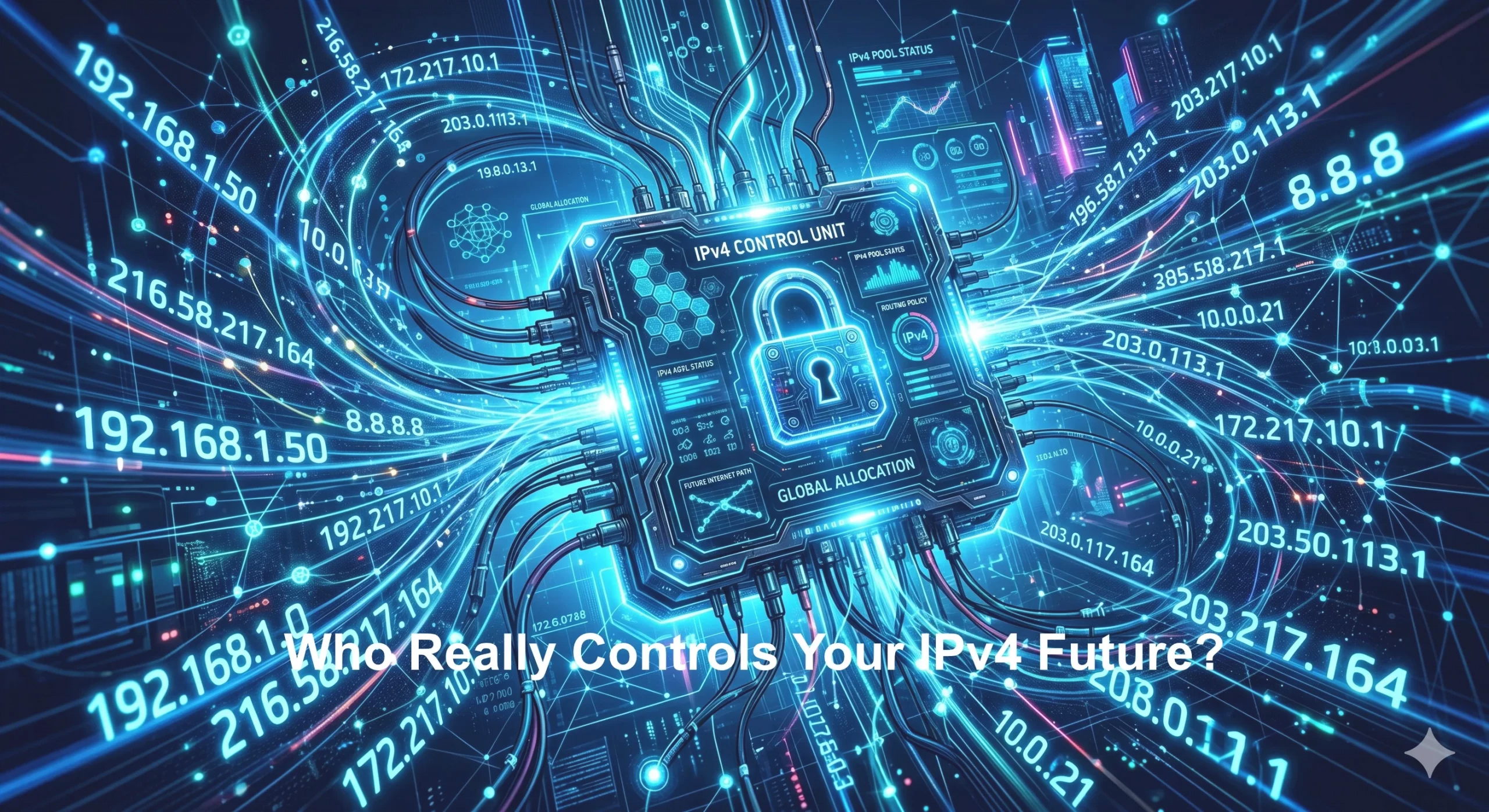
Your business may think it controls its IPv4 strategy. You choose a provider. You lease or buy address space. You build servers, launch platforms, support customers, and scale infrastructure. But behind every IPv4 decision sits a deeper question most businesses never ask: who really controls the rules behind your address space? IPv4 risk is not only about price, supply, or technical setup. It is also about governance. If aRead more
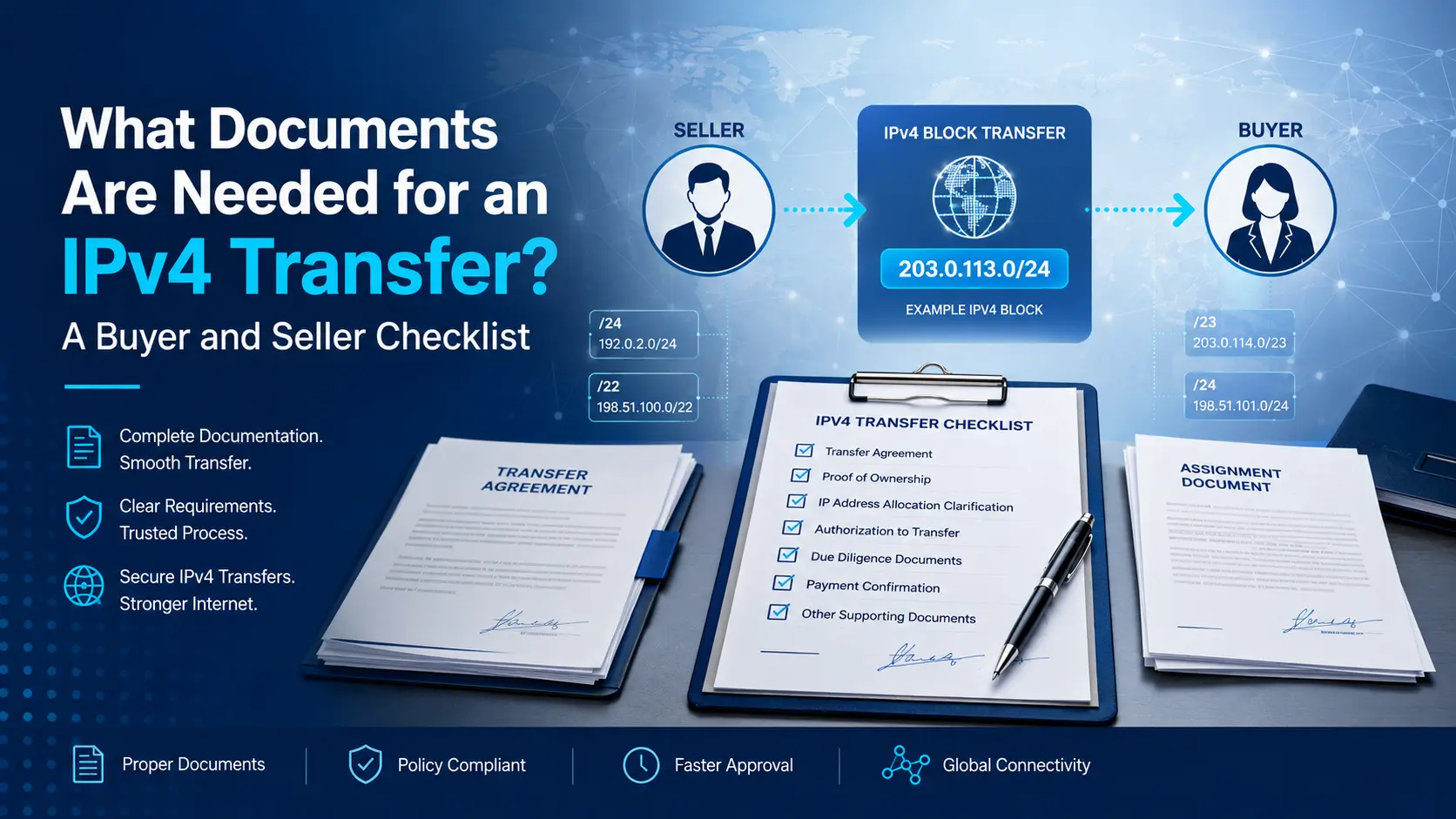
Transferring IPv4 address space from one organization to another involves more than agreeing on a prefix and a price. A Read more
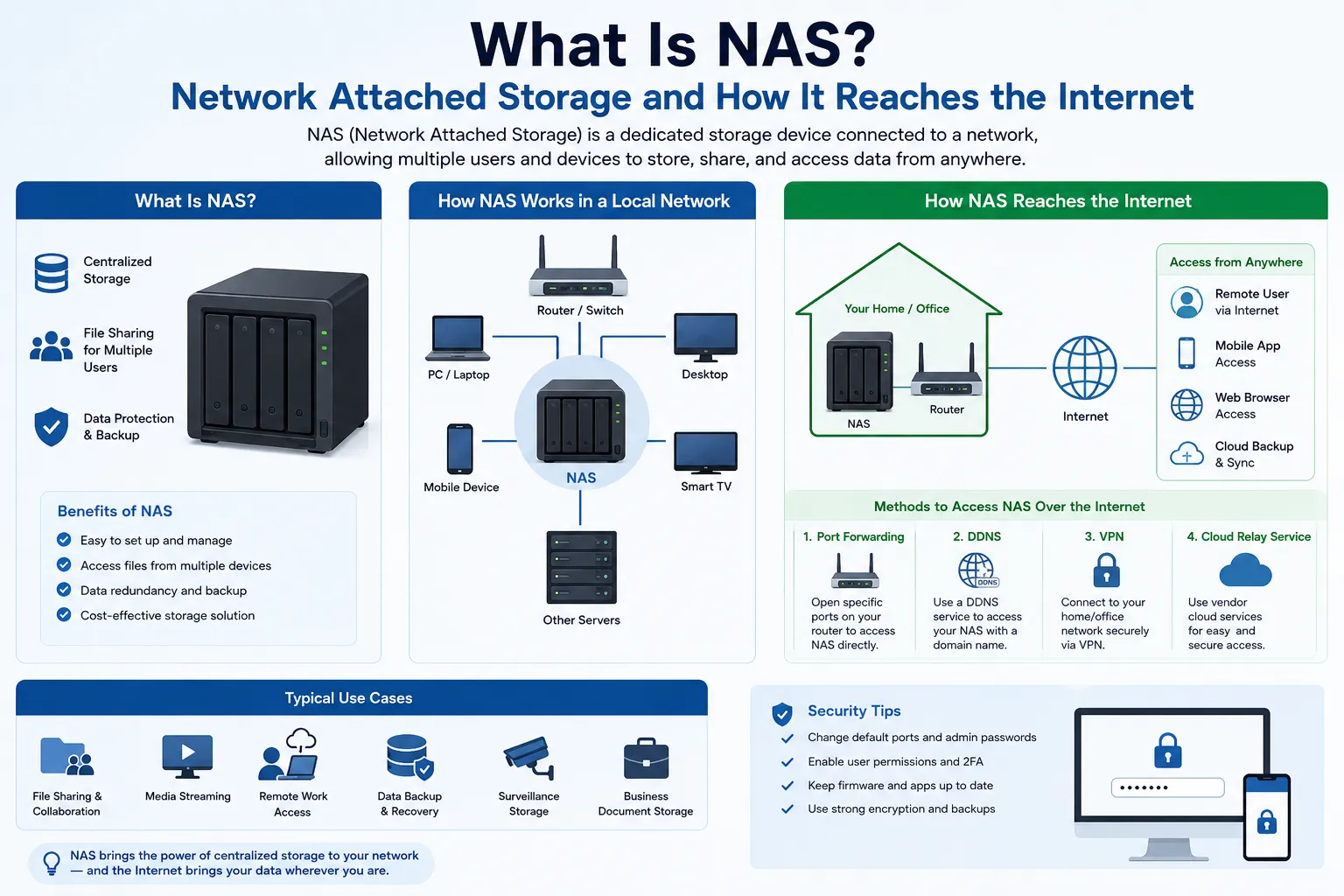
NAS stands for Network Attached Storage. It is a dedicated storage device that connects to a network and serves files Read more
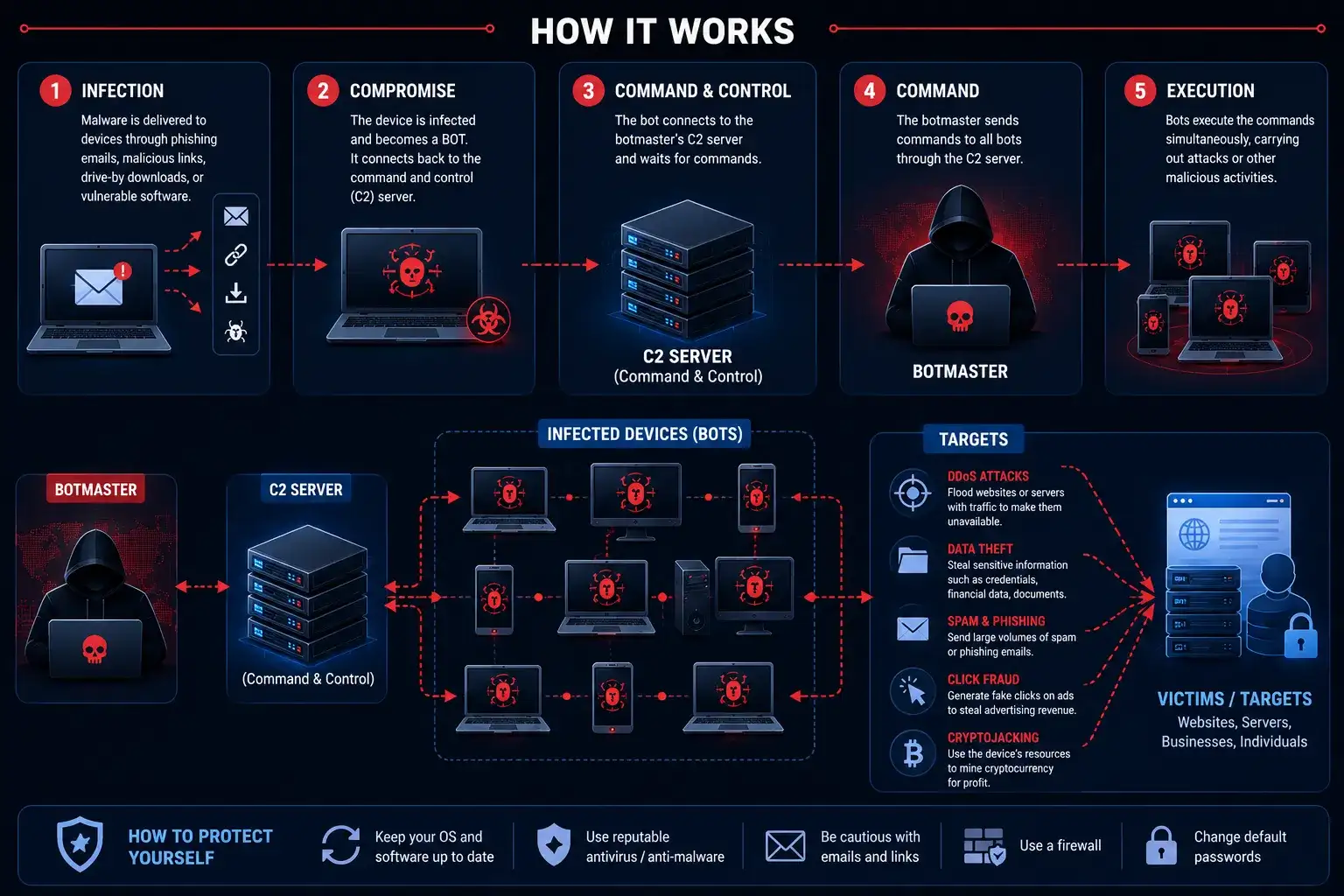
A botnet is a network of compromised computers or devices running malicious software that lets a single operator control them Read more
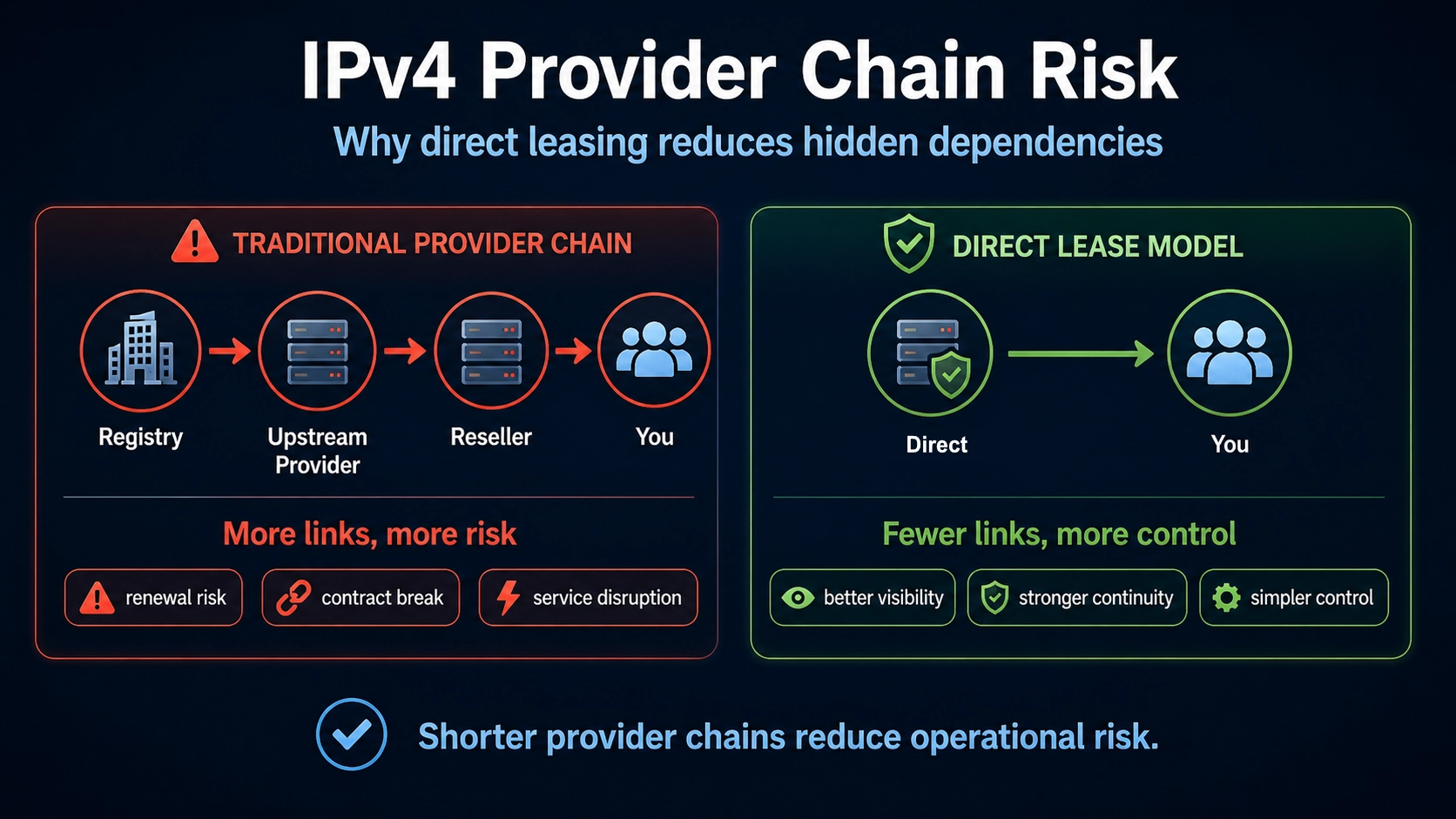
Your IPv4 Looks Stable — Until the Provider Chain BREAKS Your IPv4 addresses may look stable today. Your servers are online. Your customers can connect. Your applications are running. Your team may assume everything is fine because nothing has failed yet. But IPv4 risk often hides behind the surface. The address may work, but the provider chain behind it may be weak. The source may be unclear. The renewalRead more
Transferring IPv4 address space from one organization to another involves more than agreeing on a prefix and a price. A Read more
NAS stands for Network Attached Storage. It is a dedicated storage device that connects to a network and serves files Read more
A botnet is a network of compromised computers or devices running malicious software that lets a single operator control them Read more

Can Your Business Survive a US$100 IPv4 Liability Gap? Most businesses treat IPv4 addresses as a technical resource. They see them as numbers used for servers, hosting, VPNs, SaaS platforms, telecom services, cloud infrastructure, and customer access. But the real danger is not the number itself. The real danger is the structure behind the number. Your business may depend on IPv4 addresses every day, but the registry and providerRead more
Transferring IPv4 address space from one organization to another involves more than agreeing on a prefix and a price. A Read more
NAS stands for Network Attached Storage. It is a dedicated storage device that connects to a network and serves files Read more
A botnet is a network of compromised computers or devices running malicious software that lets a single operator control them Read more
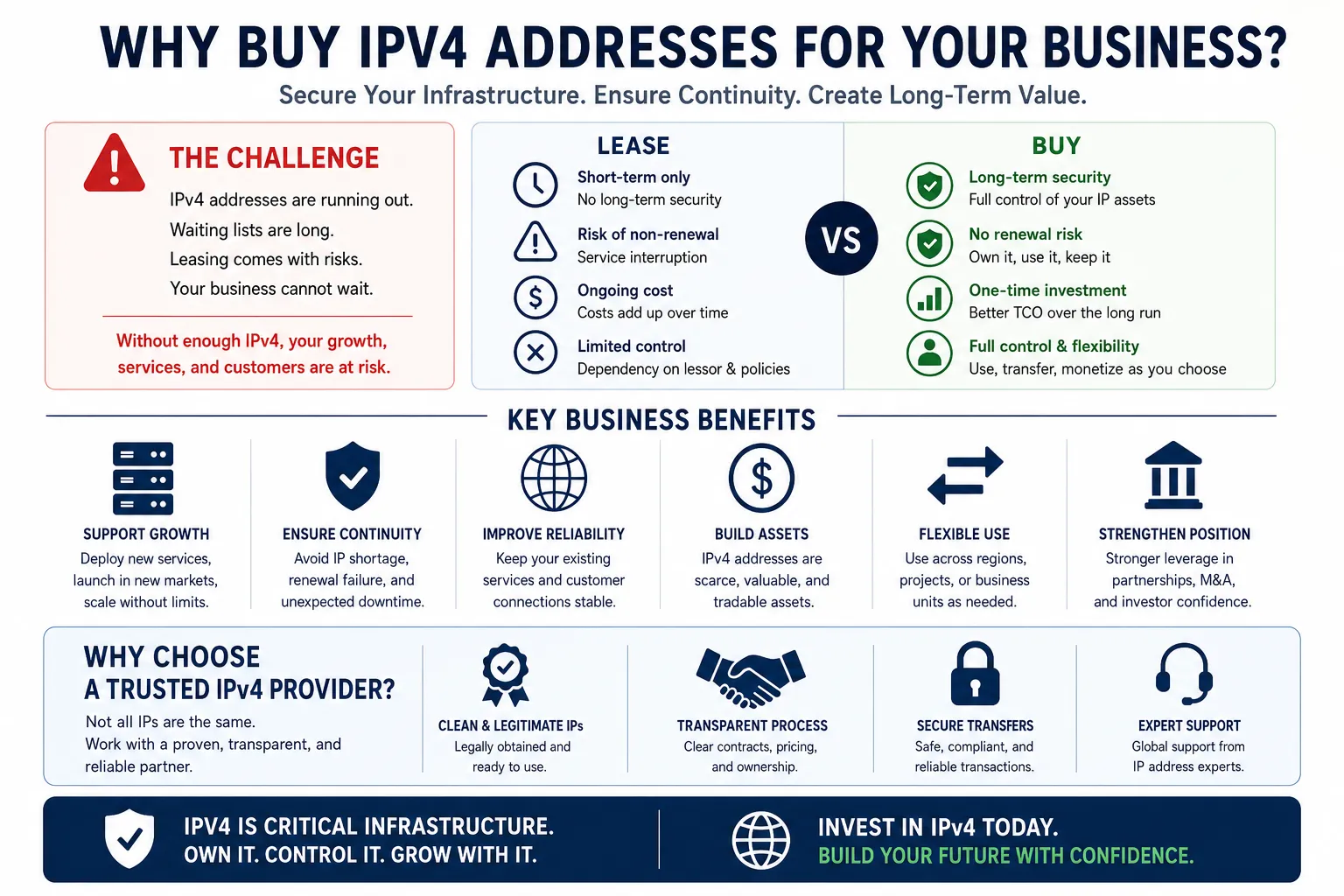
Buying an IPv4 address block can look like a simple asset purchase. You find available IPv4 space.You agree on a price.You complete the paperwork.You transfer the block.You start using the addresses. But for businesses that depend on IPv4 for hosting, cloud, VPN, telecom, SaaS, security, email, or customer access, buying IPv4 is not just a transaction. It is a continuity decision. The real question is not only: Can yourRead more
Transferring IPv4 address space from one organization to another involves more than agreeing on a prefix and a price. A Read more
NAS stands for Network Attached Storage. It is a dedicated storage device that connects to a network and serves files Read more
A botnet is a network of compromised computers or devices running malicious software that lets a single operator control them Read more
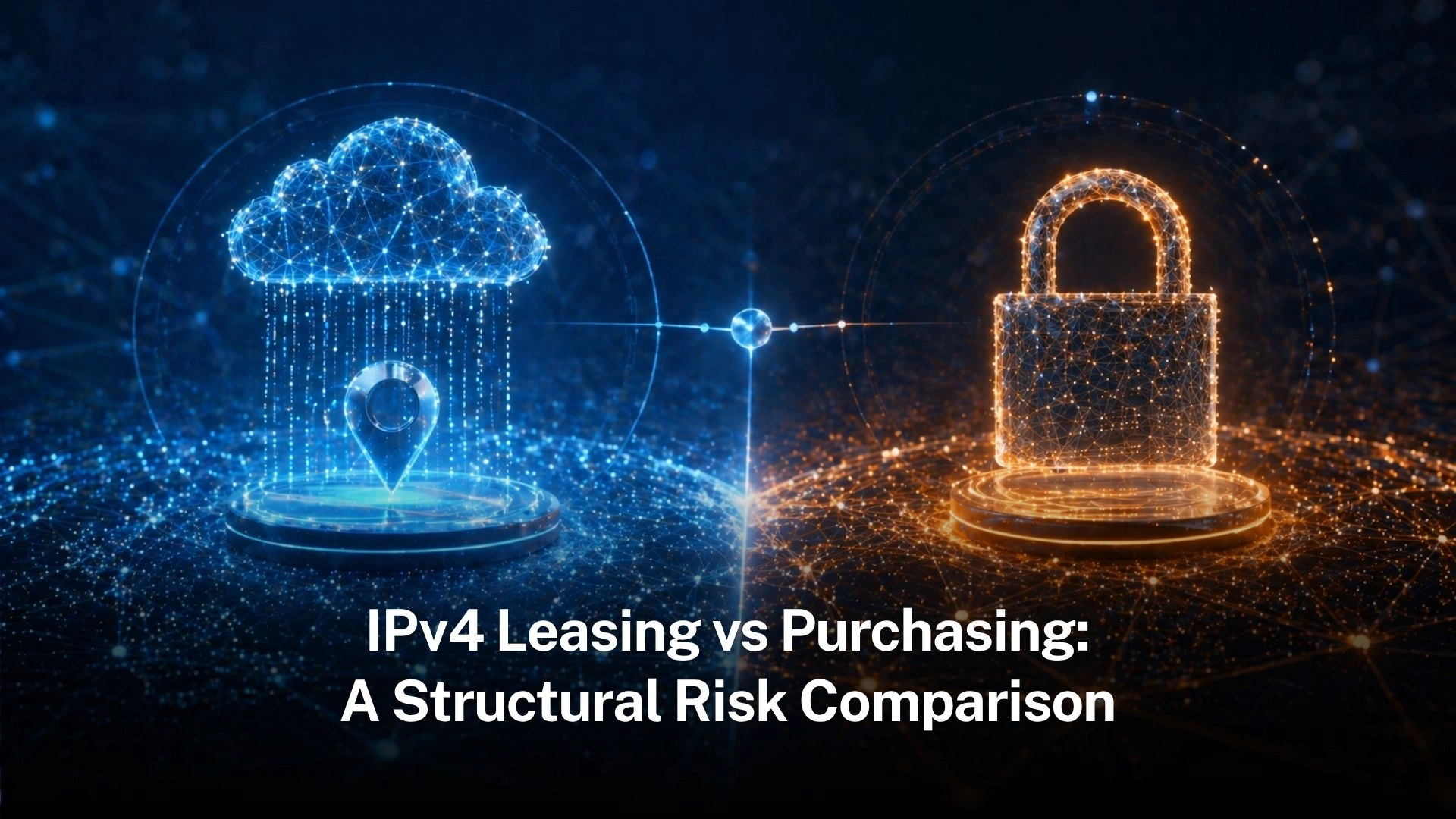
The IPv4 address market is no longer a simple question of price. A business can lease IPv4 addresses.A business can purchase IPv4 addresses.A business can use both strategies at different stages of growth. But the real question is not only whether IPv4 leasing is cheaper than purchasing, or whether buying IPv4 gives stronger long-term control. The deeper question is structural: Which IPv4 access model gives the business the rightRead more
Transferring IPv4 address space from one organization to another involves more than agreeing on a prefix and a price. A Read more
NAS stands for Network Attached Storage. It is a dedicated storage device that connects to a network and serves files Read more
A botnet is a network of compromised computers or devices running malicious software that lets a single operator control them Read more